HWID Spoofer
Recovery when hardware is flagged

At a glance
Key capabilities
What HWID Spoofer focuses on before you open the full module list.
Plus 9 additional modules in the operator portal—see the full list below.
Overview
Built around hardware recovery
How this build fits ranked, Turbo, and patch-day workflows.
The HWID Spoofer helps when Activision Ricochet flags your machine but you still need a clean identifier path. Tools ship with restore-point and verification steps.
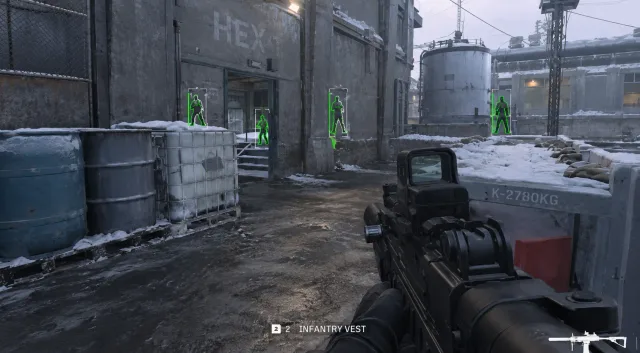
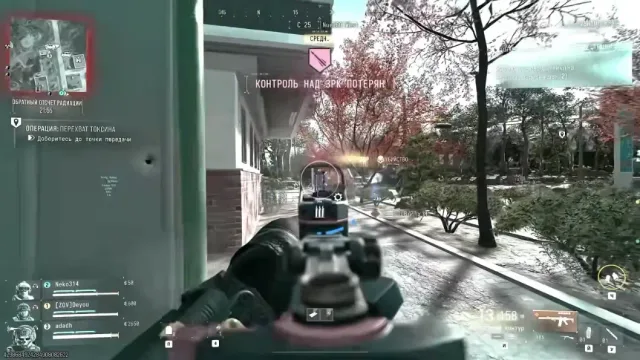
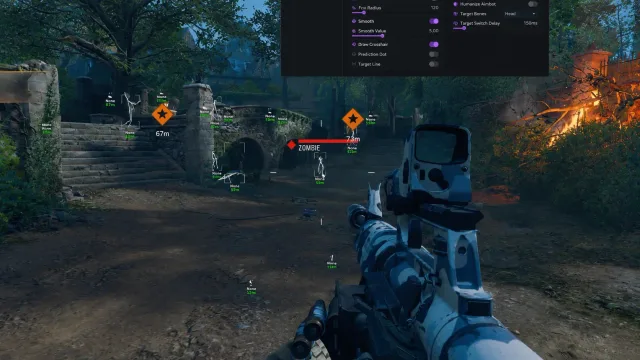
Use when fresh accounts fail on one rig but work elsewhere—not for every “Disconnected” message. Screenshots above are taken only from the SPOOFER product bundle.
When you need it
Use when new accounts fail instantly on one PC but work elsewhere—typical hardware enforcement. For account-only shadowbans without a hardware flag, review [UGC](/products/mw4/ugc/) instead.
Full workflow
Restore point, driver cleanup, spoof application, cold reboot, identifier verification, then conservative cheat profile before multiplayer. Full checklist ships in the portal and in our HWID blog guide.
Modules
What's included
Every module and overlay shipped with HWID Spoofer—toggle and tune in the operator portal.
- Disk serial profile tools
- MAC address rotation
- Restore point checklist
- Compatibility scan
- Driver conflict detection
- Post-spoof verification
- Identifier diff report
- Cold reboot guide
- Portal step-by-step workflow
- Discord recovery support
Experience
In the client · After you buy
Use the screenshots above for HWID Spoofer—below is what each layer means and how access works after checkout.
In-game layers
- Layer A
HWID workflow
Follow the portal checklist before relaunching the game.
- Layer B
Verification
Cold reboot and identifier checks after spoofing.
Guides
Learn more about HWID Spoofer
Curated articles for setup, tuning, and patch-day checks that match this product.
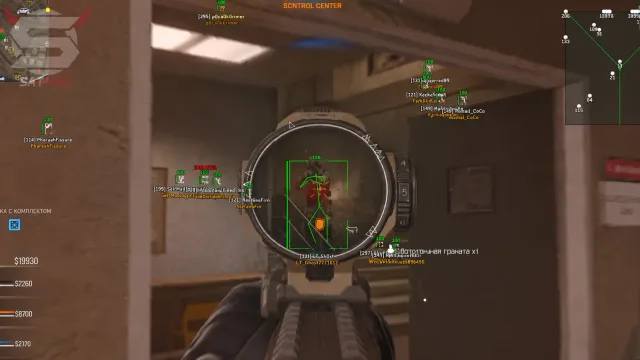
When spoofing matches a portal workflow—and when only a clean machine makes sense.
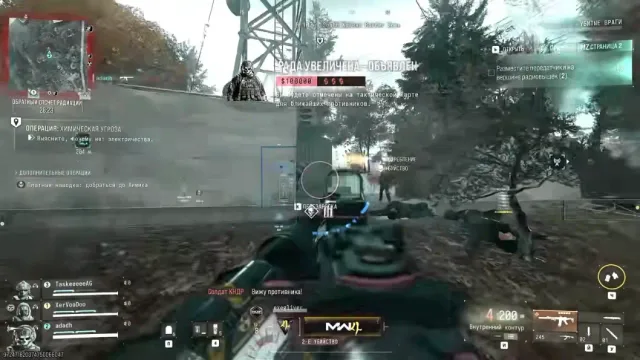
Status banners describe a moment in time—not a warranty.
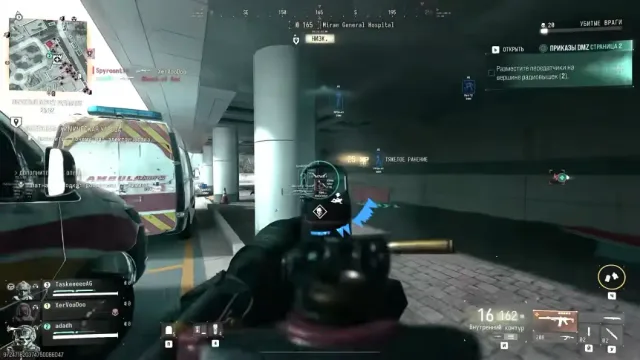
Banner checks, loader order, and why skipping launch night saves accounts.
Why external stacks behave differently than injected pastes.
Cheat client: what to verify before buying any MW4 loader, including stability, the module list, and how vendors handle Ricochet downtime.
MW4: input, FOV, and update cadence differences, and why these guides focus on PC Steam and Battle.net clients only now.
FAQ
Questions about this page
Answers tied to what you are reading—visit the FAQ page for every topic.